
Jiggle: Recent Files
macOS 26 or later
recent files, ready to share
Find recent files fast. Drag them into your flow.
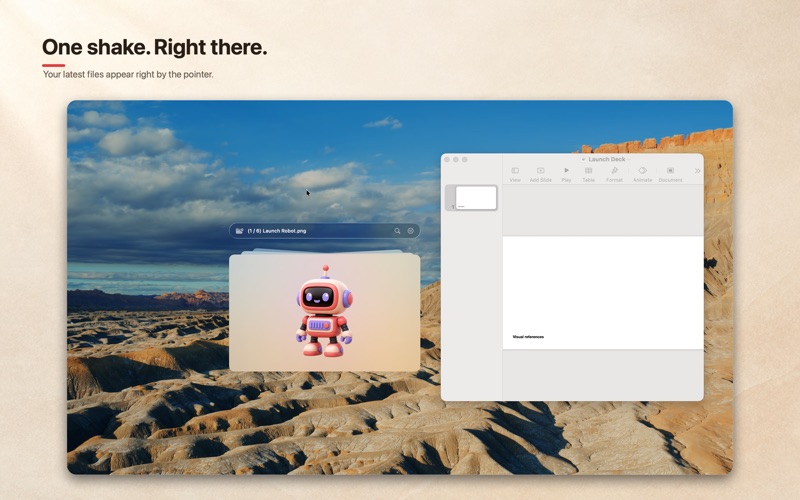
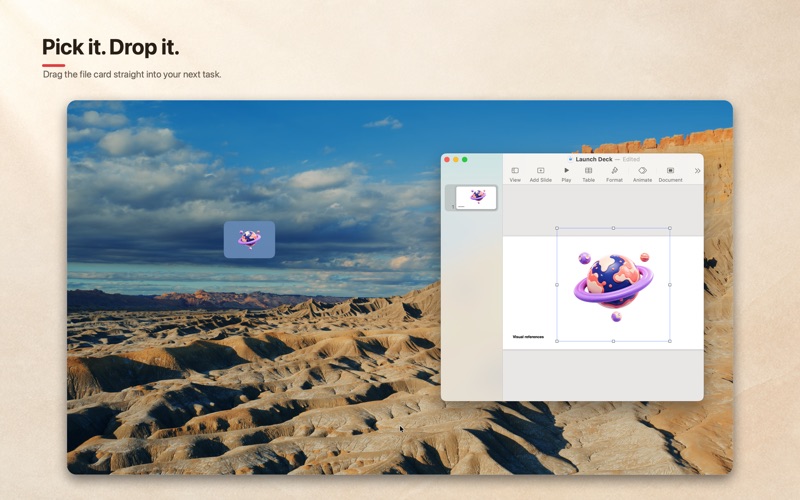
Jiggle brings the latest items from your selected folders into a floating panel you can open with a quick mouse shake. Preview, search, filter, and drag files wherever you need them.
a small utility with a clear job
Everything you need to reach the file you just used.
Open with a shake
Bring up the floating panel with a quick mouse shake, then tuck it away when you are done.
Keep folders close
Add the folders you use most and browse their latest files in one place.
See before you open
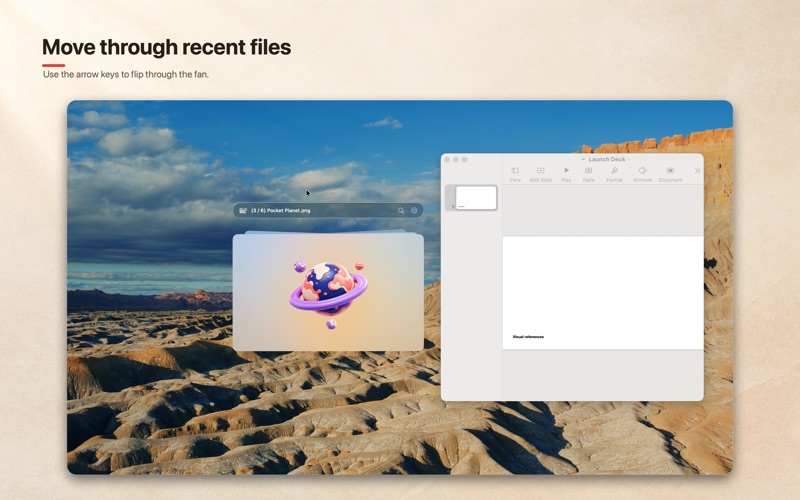
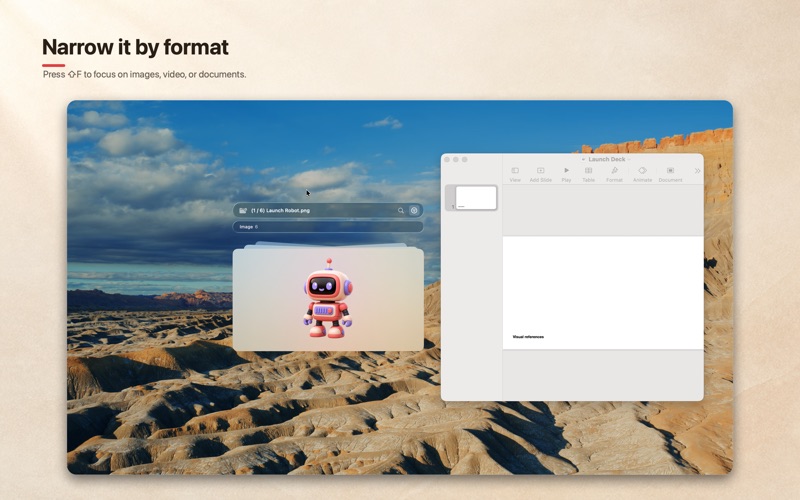
Use visual thumbnails and Quick Look to identify the right item at a glance.
Search and filter
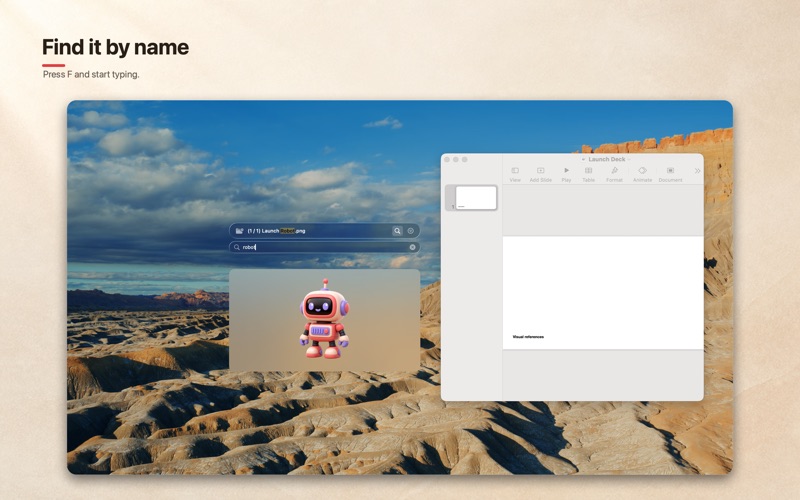
Search by name and narrow the view by file type when the list gets busy.
Stay out of the way
Jiggle lives in the menu bar and works with your local files. No account or cloud service required.
a closer look
See the flow.
made for the in-between moments
Useful wherever files move.
- Sharing images with AI agents
- Sending recent downloads in messengers
- Moving files between apps
- Keeping screenshots and work files close
good to know
A few quick answers.
Is Jiggle free?
Jiggle is a paid Mac app available on the Mac App Store. Regional pricing is shown by Apple when you view the listing.
How do I open Jiggle?
Jiggle stays in the menu bar and opens its floating panel with a quick mouse shake.
What can I do with the files?
You can browse recent items from selected folders, preview them with Quick Look, search and filter the list, open files, and drag them into other apps.
Does Jiggle upload my files?
Jiggle works with local files and does not require an account or cloud service.
Jiggle: Recent Files
The file is probably right there.
Jiggle turns the last file you used into the next thing you share.